Animate with Ease: Use Graphs to Apply Looping Shaders
Animating shaders can bring your digital assets to life with dynamic effects. PolishSprite provides intuitive graph controls that make it simple to create smooth, looping shader animations. This guide will show you how to leverage these powerful tools for your projects.
Understanding Graph Controls for Shaders
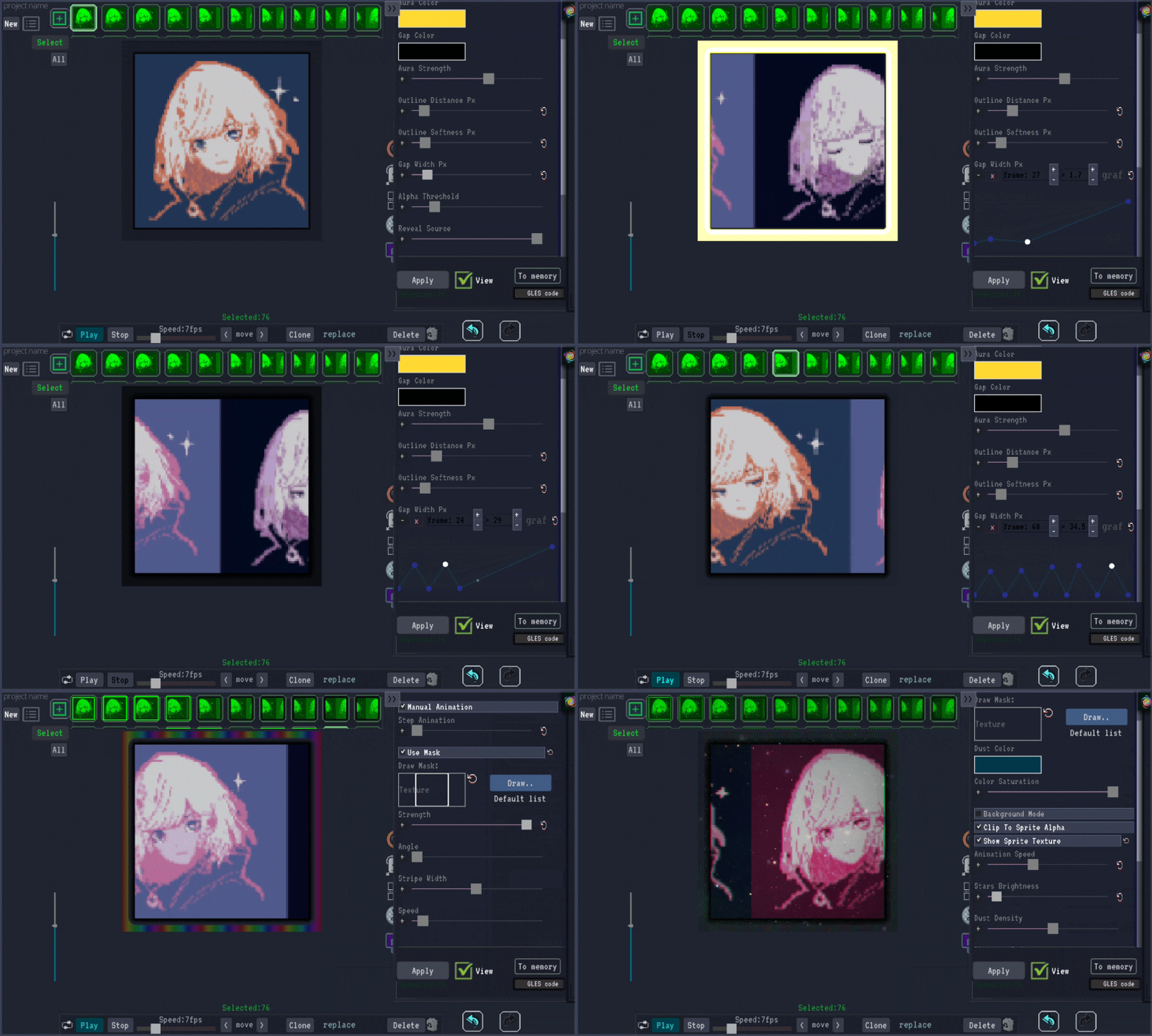
PolishSprite's graph-based interface gives you precise control over how your shaders animate over time. The intuitive graph controls let you modify parameters like position, color, and intensity in a visual way. This approach makes it easier to create complex animations without needing to understand the underlying code.
Creating Smooth Loops
One of the most useful features is the ability to create seamless looping shaders. Using the graph controls, you can define animation paths that return to their starting values at the end of the cycle. This ensures your animations loop without any visible jumps or artifacts.
Advanced Animation Techniques
With the graph controls, you can create a variety of animation effects:
- Pulse Effects: Create rhythmic changes to color, size, or transparency
- Wave Animations: Apply sinusoidal movements to create natural-looking motion
- Color Gradients: Animate color transitions across your assets
- Position Shifts: Move elements around your canvas in complex patterns
Tips for Effective Shader Animation
When working with looping shaders:
- Always ensure your animation returns to its starting value to achieve a seamless loop
- Use the preview feature to test your loops before applying them to your final image
- Start with simple linear animations and progress to more complex curves as you get comfortable
- Experiment with easing functions to create more natural-looking motion
- Combine multiple graph controls for rich, complex animations
Applications in Game Development
Looping shaders are particularly useful for game development, where performance and seamless loops are crucial. Use them to create:
- Animated water surfaces
- Flickering torches or light sources
- Animated background elements
- Special effects like magical auras or energy fields
- Environmental details like swaying grass or clouds
Start Animating Your Shaders
Ready to create your own animated shaders? Upload your image to PolishSprite and start experimenting with our graph controls.
Try Shader Animation Now