Ways to Pixelate an Image or GIF: Complete Guide
There are many methods to pixelate an image, as well as to animate pixel scaling. PolishSprite offers a variety of techniques to achieve the perfect pixel art effect for your project. This comprehensive guide explores different approaches to pixelating images and GIFs.
Pixelation Techniques Overview
Pixelating an image or GIF can serve various artistic and practical purposes. Whether you're creating retro-style graphics, anonymizing sensitive content, or achieving a specific aesthetic, PolishSprite provides several methods to accomplish this effect.
1. Using Move/Size/Rotate
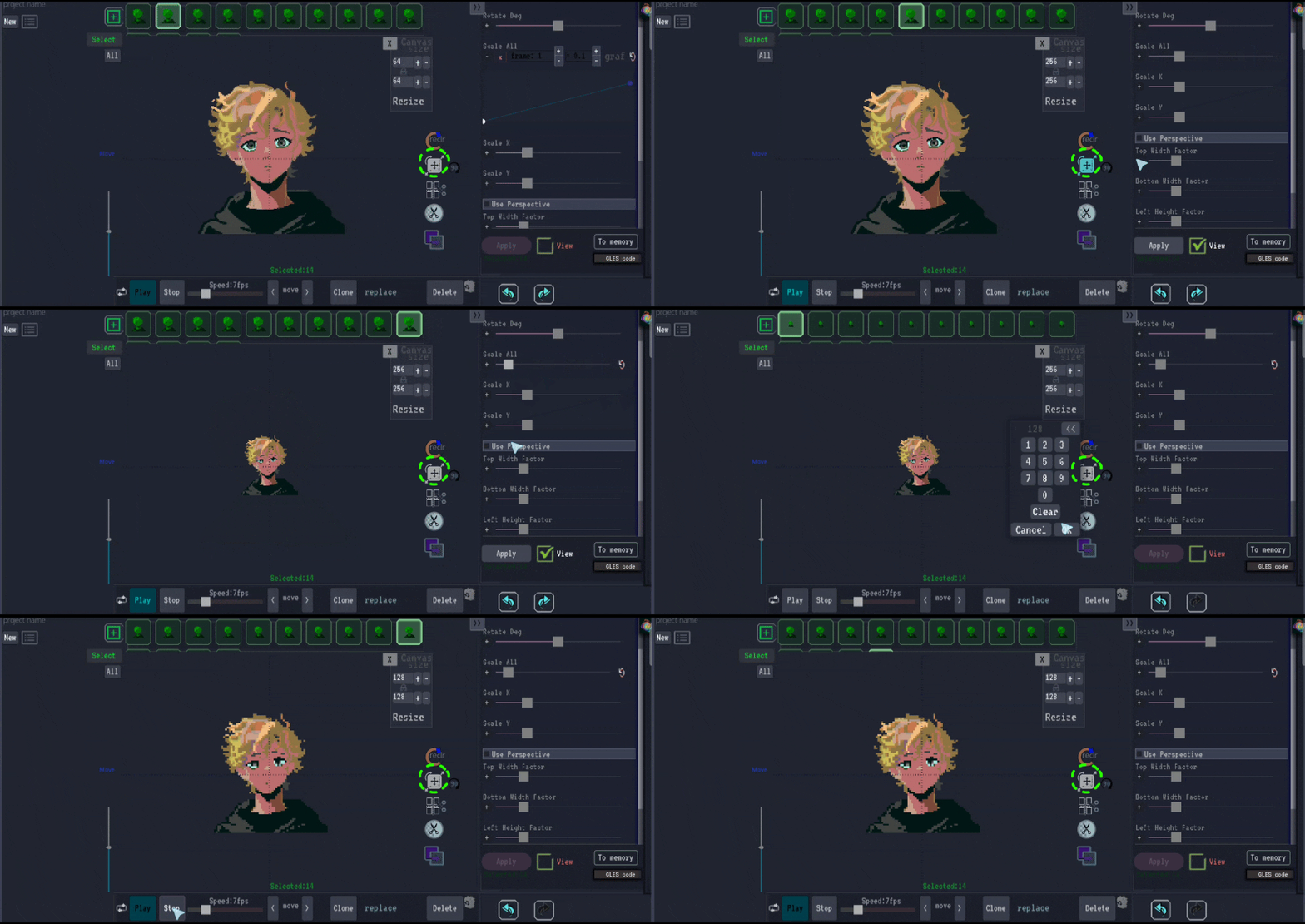
The Move/Size/Rotate function allows for precise control over pixel scaling. This method is ideal for creating intentional pixelation effects while maintaining control over the positioning and scaling of your pixel art.
2. Dynamic Movement Effect
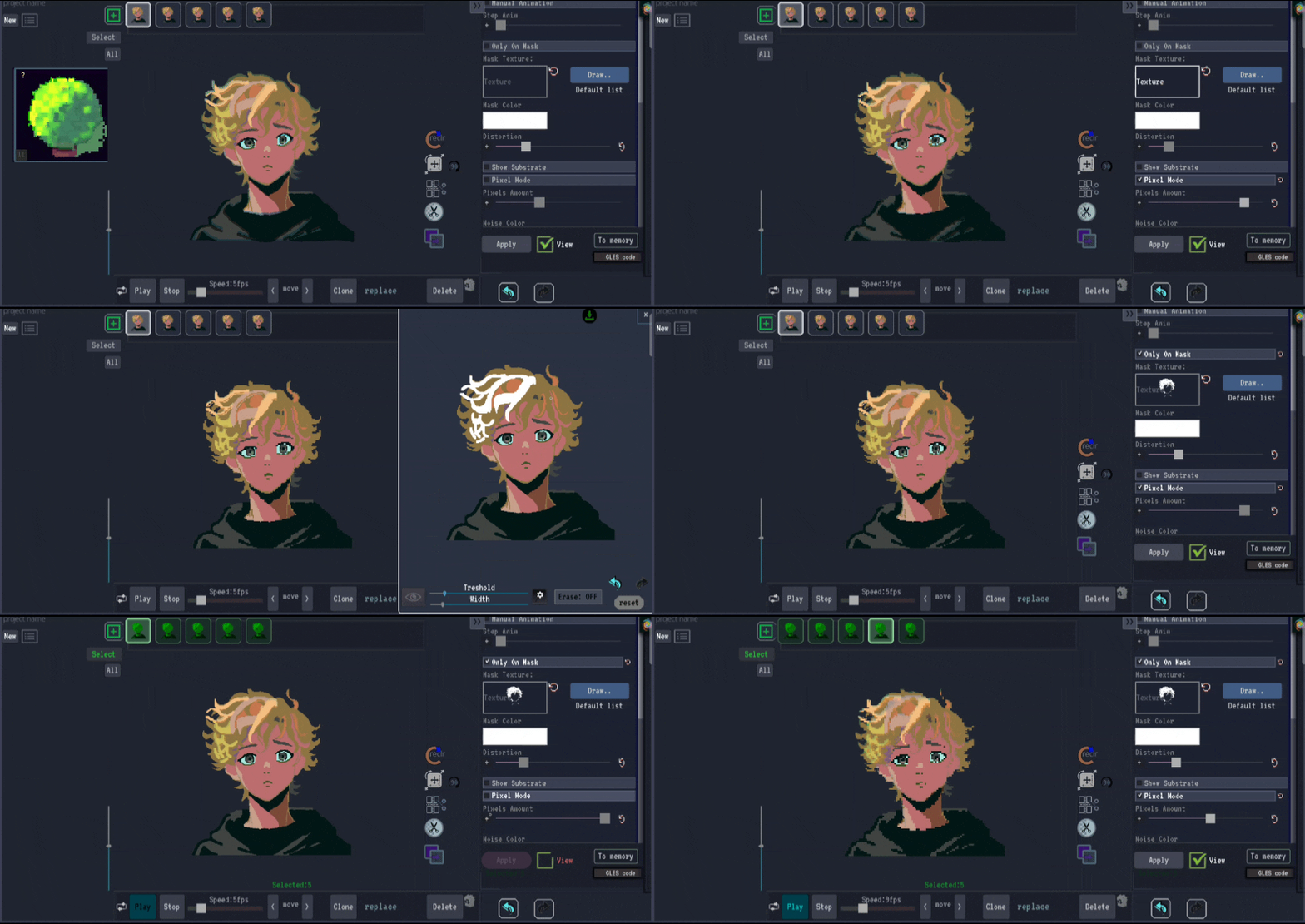
Simulates the natural movement of foliage, like leaves and grass swaying in the wind. Features two noise engines, movement masking, edge-only effect, distortion control, and retro pixelation style.
3. Using Fade-Out
The fade-out technique gradually reduces pixel visibility, creating smooth transitions between detailed and pixelated areas. This approach is excellent for creating atmospheric effects or gradual transitions in animations.
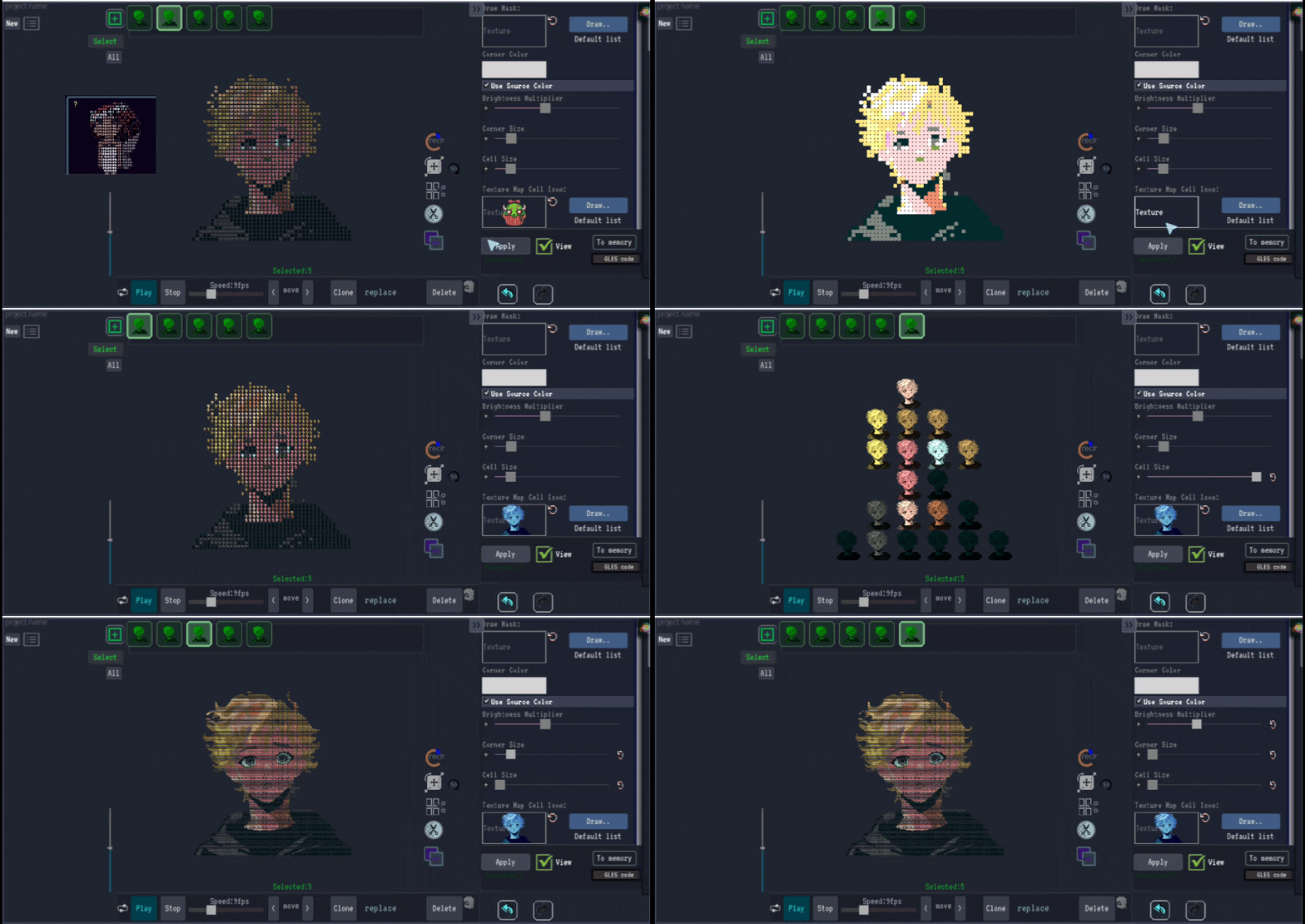
4. Replacing Pixels with Images
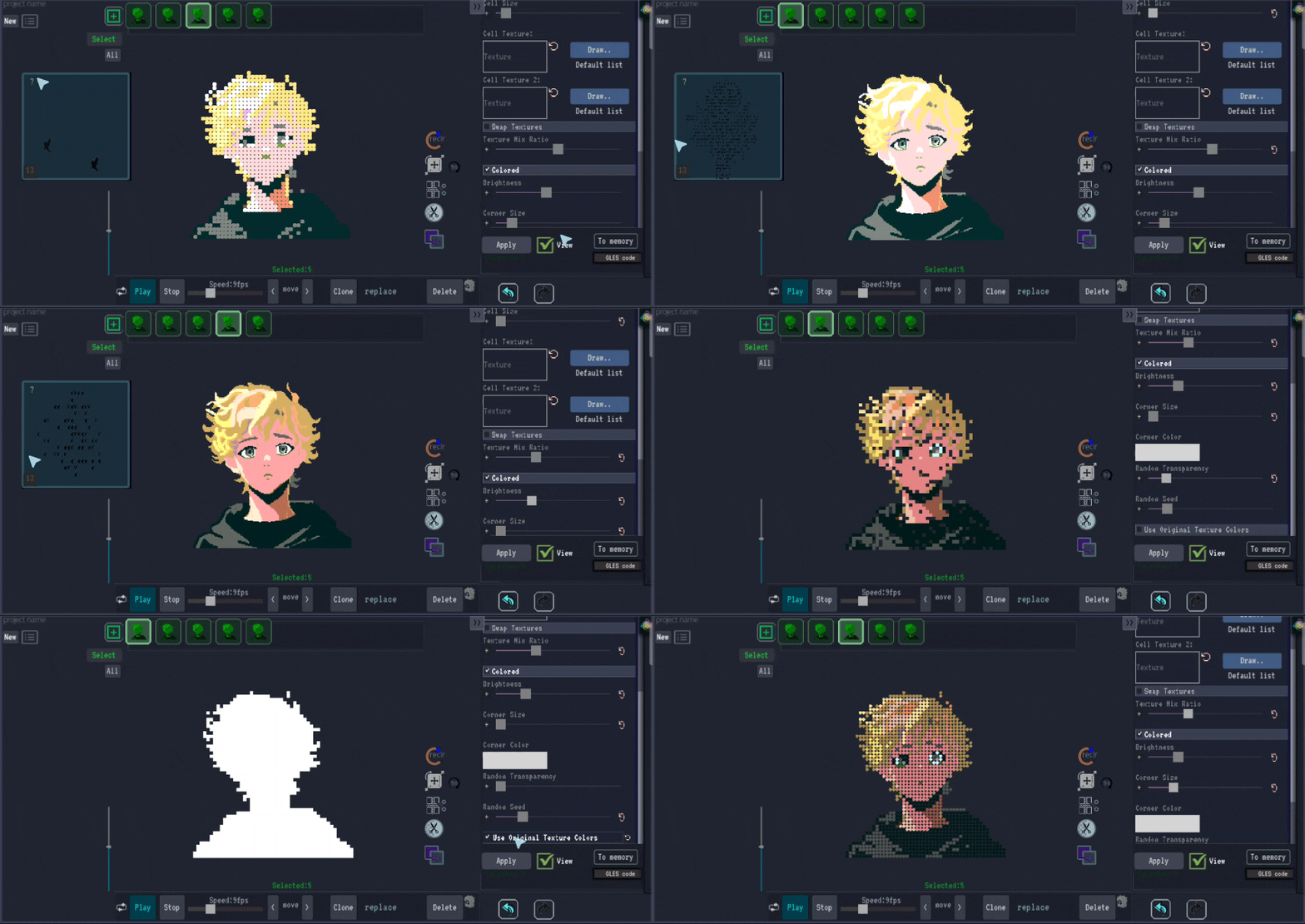
This advanced technique involves substituting individual pixels or pixel blocks with small images, creating complex textures from your original image. It's particularly effective for creating unique visual styles or embedding other visual elements within your artwork.
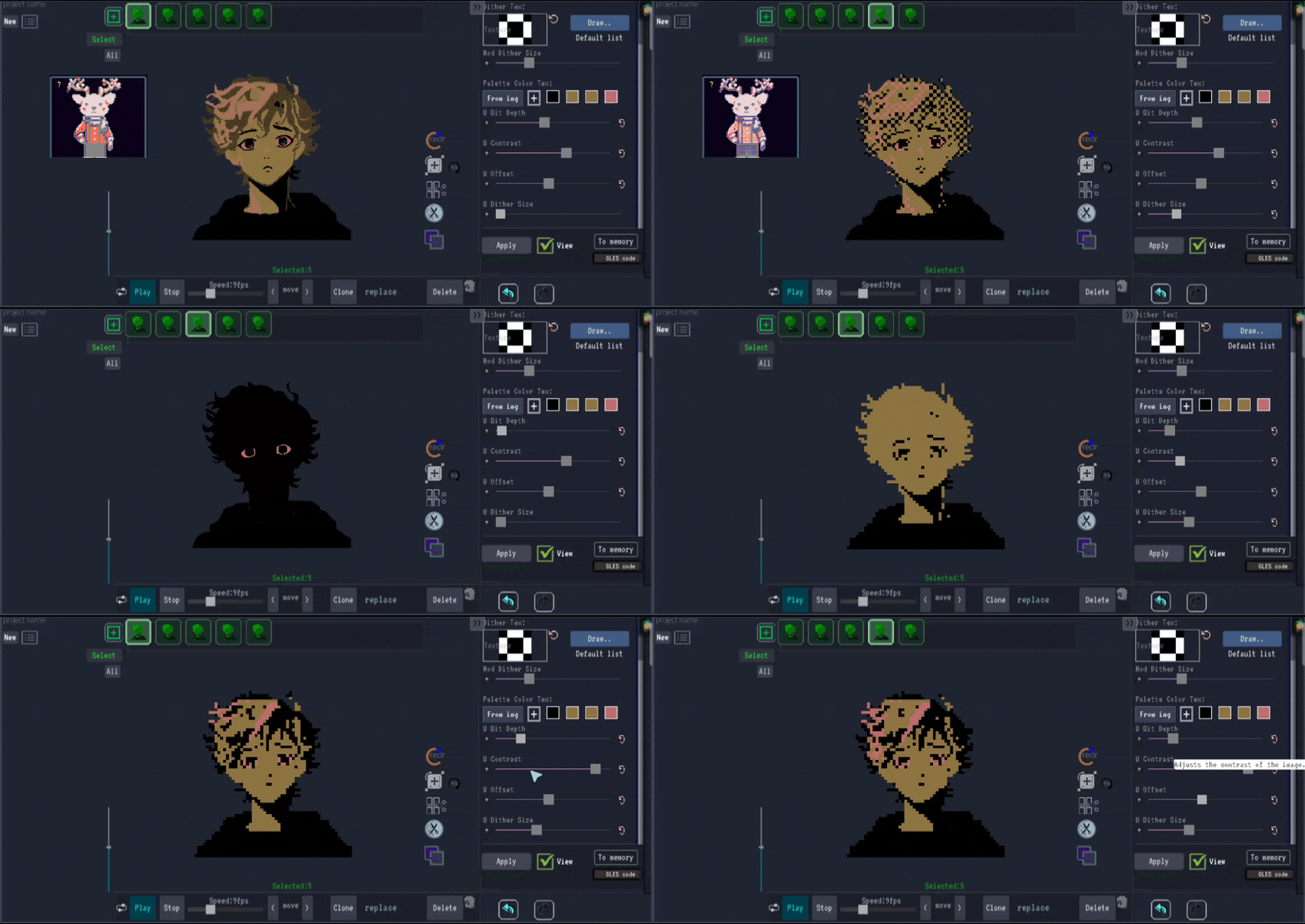
5. Applying Dithering
Dithering is a classic technique that creates the illusion of color depth in images with a limited color palette. When applied to pixel art, it can enhance the retro aesthetic while maintaining visual quality and reducing color banding.
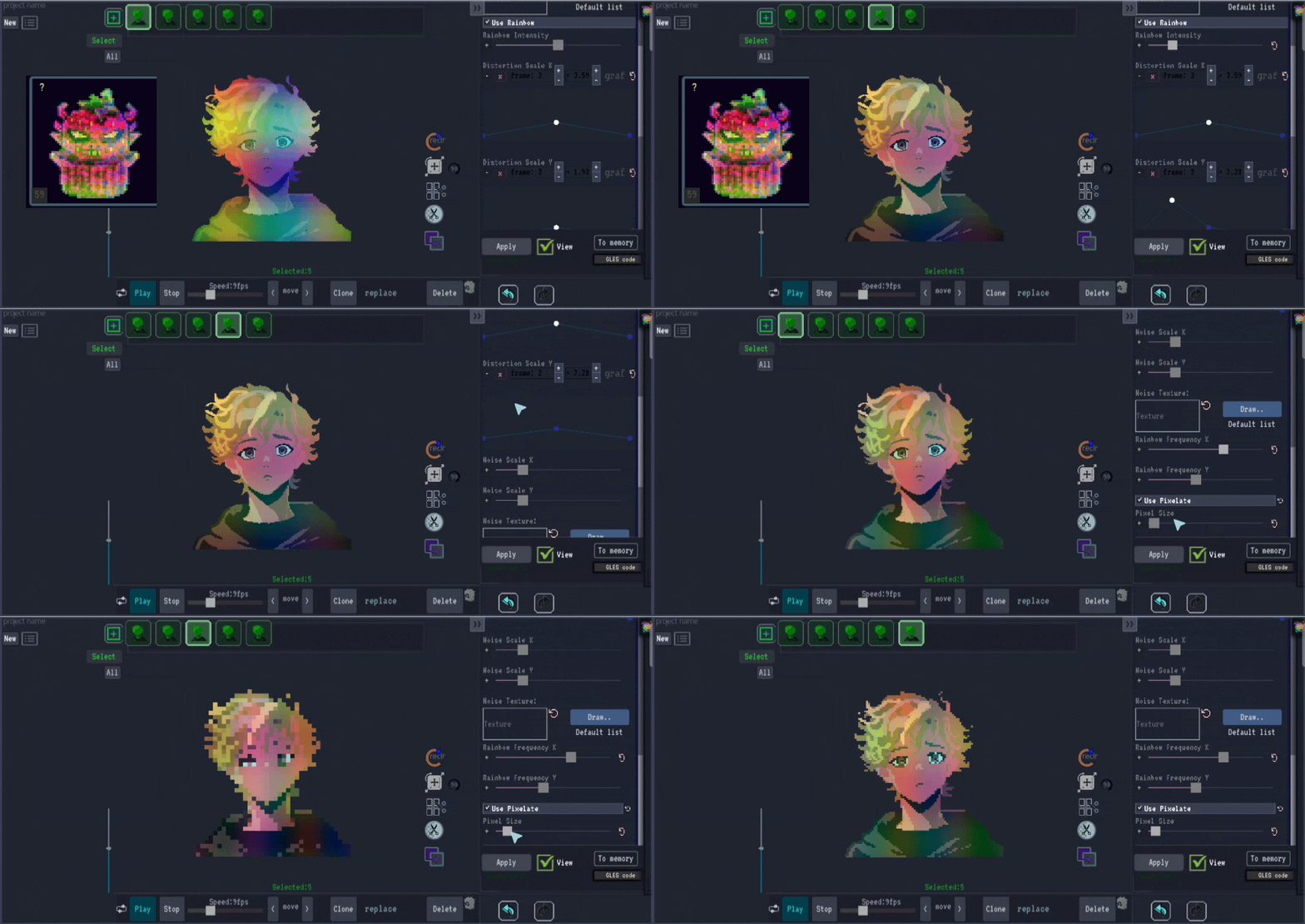
6. Using a Rainbow Shaker Effect
The rainbow shaker effect adds colorful distortion and pixelation with vibrant, shifting hues. This technique is perfect for creating energetic, colorful pixel art or psychedelic effects that stand out visually.
Choosing the Right Technique
Each pixelation method offers unique visual characteristics:
- Move/Size/Rotate: Best for intentional scaling effects with precise control
- Glitch Effects: Ideal for modern digital aesthetics
- Fade-Out: Perfect for smooth transitions and atmospheric effects
- Pixel Replacement: Excellent for complex textures and embedded imagery
- Dithering: Essential for authentic retro pixel art
- Rainbow Shaker: Great for vibrant, dynamic effects
Animating Pixel Effects
All of these pixelation techniques can be animated over time to create dynamic effects in your GIFs. Use the timeline controls to adjust how and when pixelation effects change throughout your animation sequence.
Pixelate Your Images
Ready to try different pixelation techniques? Upload your image to PolishSprite and experiment with these effects today.
Start Pixelating Now